
High Quality Replacement Adapter for MSI A15-180P1A (180W)
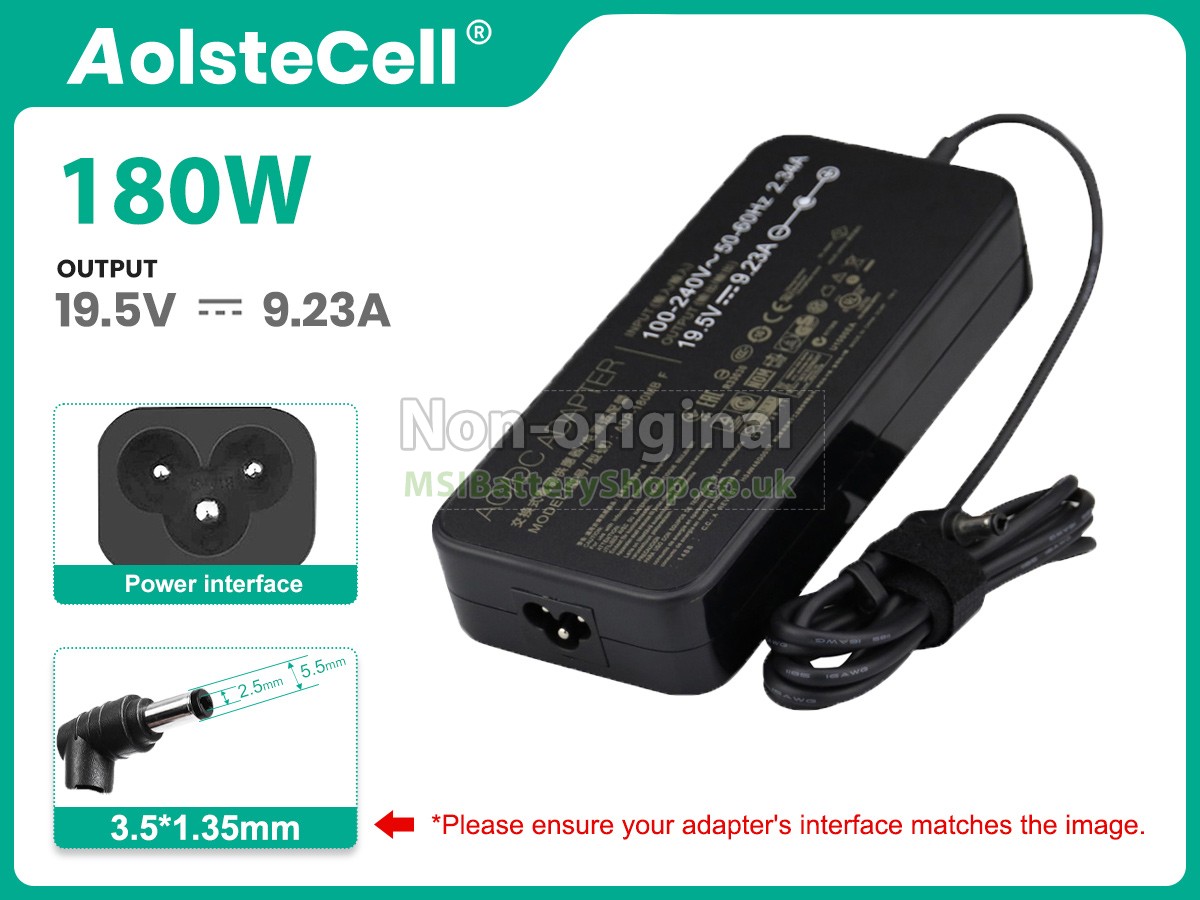

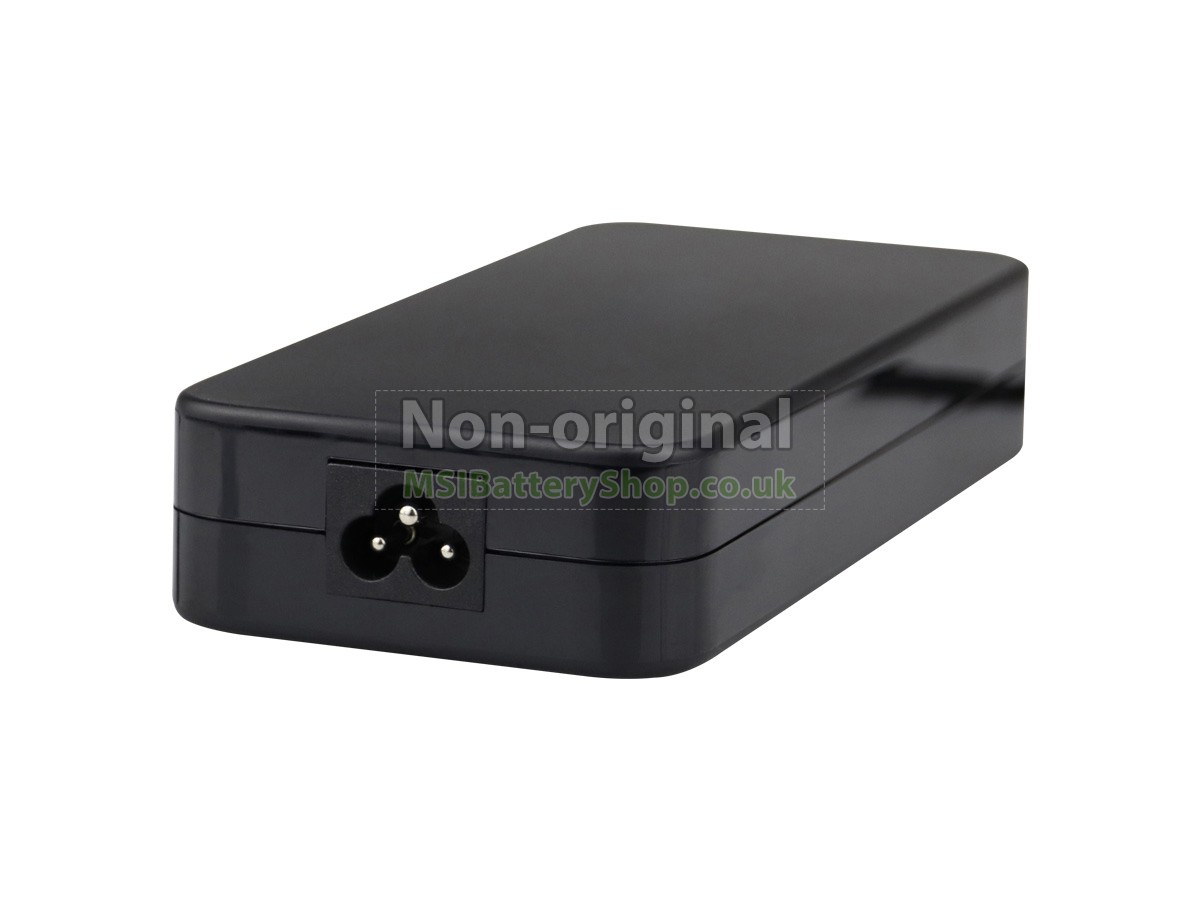
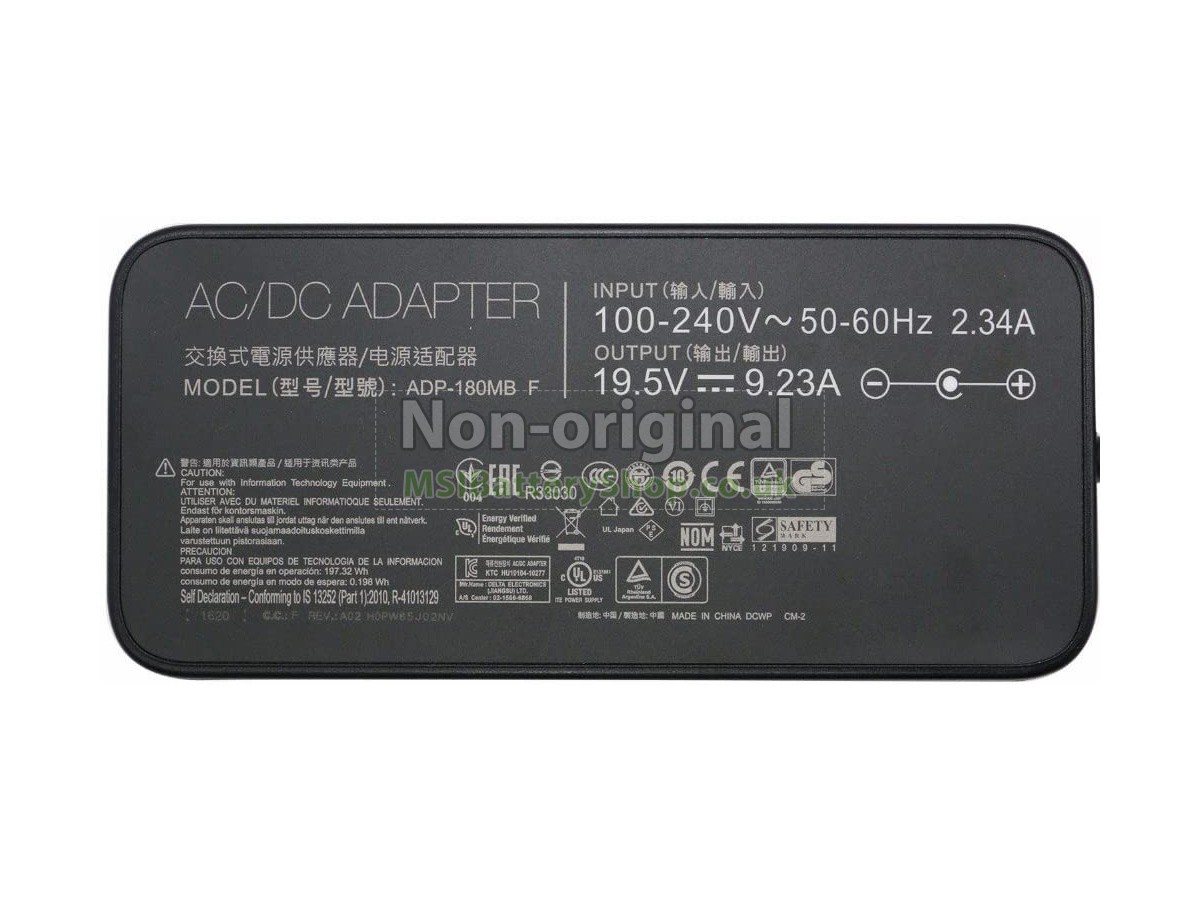
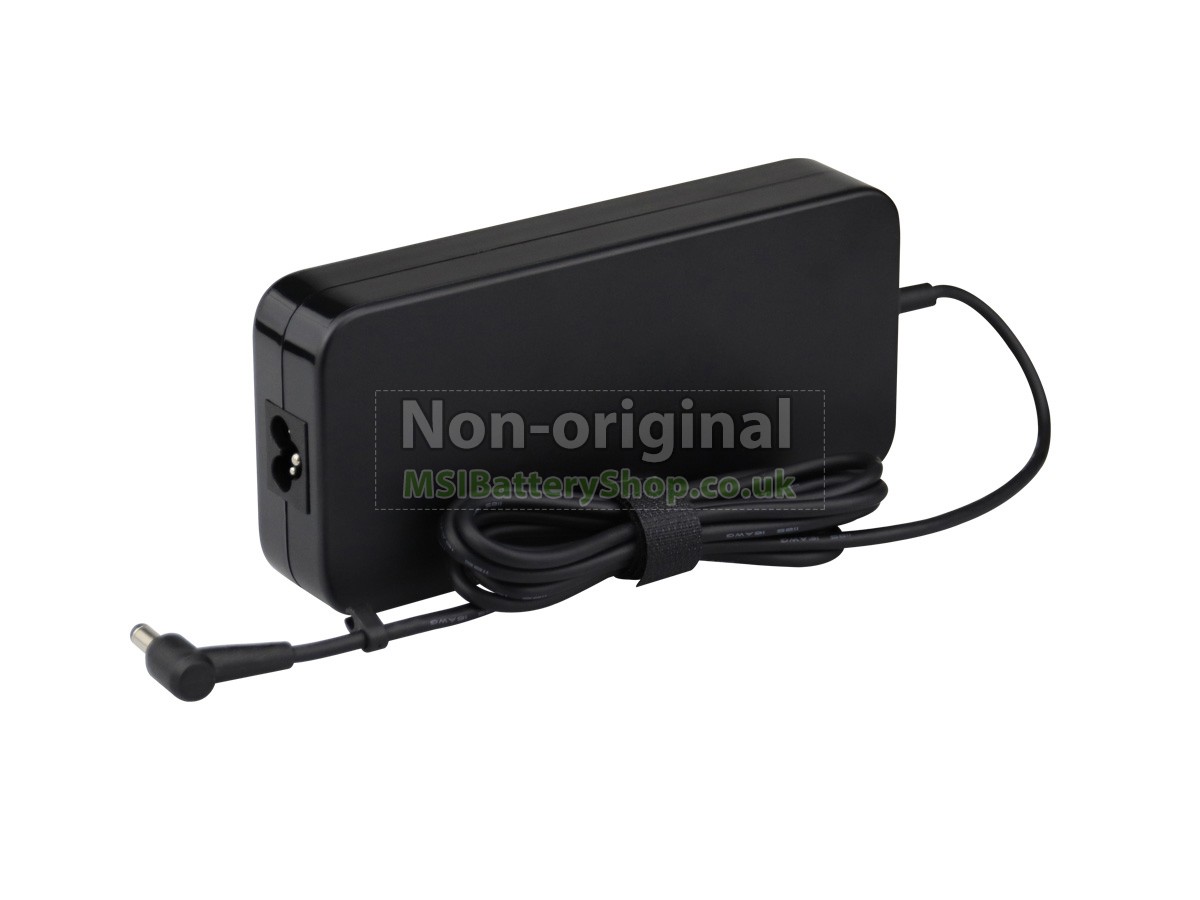
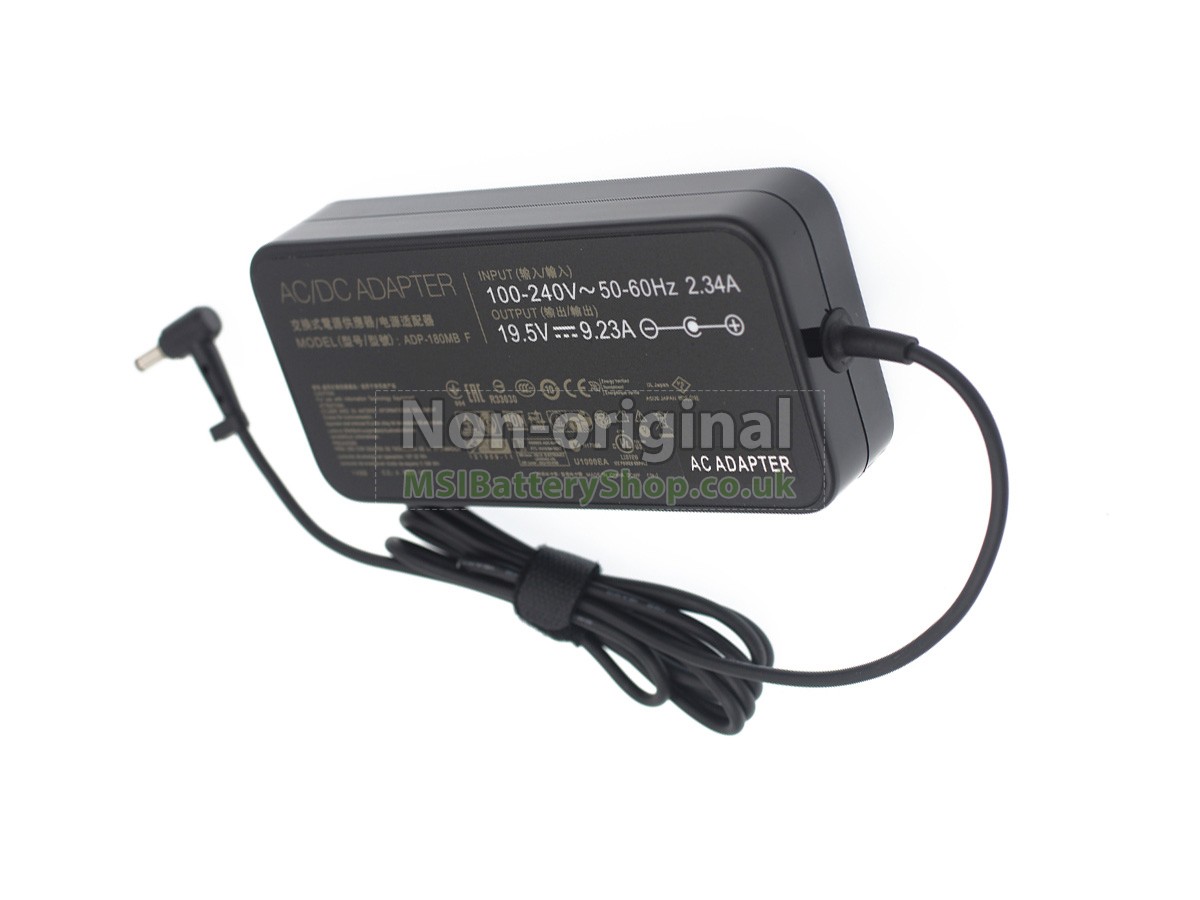

19.5V-9.23AAdapter for MSI A15-180P1A
- SKUMSBAD423
- ConditionReplacement, Brand New
- Input100-240V~2.3A 50/60Hz
- OutPut19.5V-9.23A
- Power180W
- Connector5.5*2.5mm
- Warranty12 months
- AvailabilityIn Stock
Premium Components, Stable & Safe Power Output, Full Compatibility
Are you experiencing unstable charging, overheating, or sudden power interruptions with your MSI laptop? Don't risk your device with low-quality adapters. Choose MSIBatteryShop and give your MSI notebook reliable, efficient power it can truly depend on.
Our MSI A15-180P1A AC adapters are built with premium internal components and advanced smart IC chips to ensure stable voltage and current output. Each adapter features multiple safety protections, including over-voltage protection, over-current protection, short-circuit protection, overload protection, and over-temperature protection — keeping both your laptop and yourself safe at all times.
Every MSI A15-180P1A replacement adapter from MSIBatteryShop complies with international safety and quality standards, including CE, RoHS, BSI, and ISO9001:2015 certifications. Before shipment, each adapter undergoes extensive testing for performance, durability, and compatibility, ensuring a reliable charging experience whether at home, in the office, or on the go.
Excellent after-sales service, professional and trustworthy
Professional manufacturer and seller
As a professional MSI battery and adapter store in the UK, MSIBatteryShop has more than ten years of production and sales experience. It is more attractive in our price under ensuring the quality because we adopt advanced production equipment and high-quality raw materials, which is no middlemen involved.
Complete product models
MSIBatteryShop has been expanding the field of MSI batteries and adapters for many years, constantly adding new product models. At present, there are more than 18,000 models.
Perfect after-sale service
All the products come with a 30-day money-back guarantee and one-year warranty service. Please buy with confidence! You can refer to "Warranty Policy" in details.
Guaranteed by PayPal
PayPal has an industry-leading fraud protection mechanism, and your entire transaction procedure would be protected by PayPal. At the same time, you also have 180-day buyer protection from PayPal.- A15-180P1A
- A180A008L
- 19.5V 9.23A 180W 5.5*2.5MM
| We Accept Payment Methods | ||
| PayPal |
 Payments by PayPal, NO PayPal account required. PayPal is safe and free for buyers. |
|
| Credit or Debit Card |
 VISA, MasterCard, American Express, JCB, Diners Club, Maestro & Laser Card, etc. |
|
|
Note: 1. Both Paypal and MSIBatteryShop use encrypted servers to process related payments, and your personal information will not be stored on our servers. 2. If you choose PayPal Express Checkout (instead of filling in the shipping address on our website to checkout), please select the CORRECT address when checking out. |
||
A:There is no account registration on our website, so you cannot modify your order information online. In this case, you should contact our customer service as soon as possible (via online chat, or “Contact us” to submit feedback or email) to correct the address if need. Please note that you would better contact us shortly to avoid your order sent out.
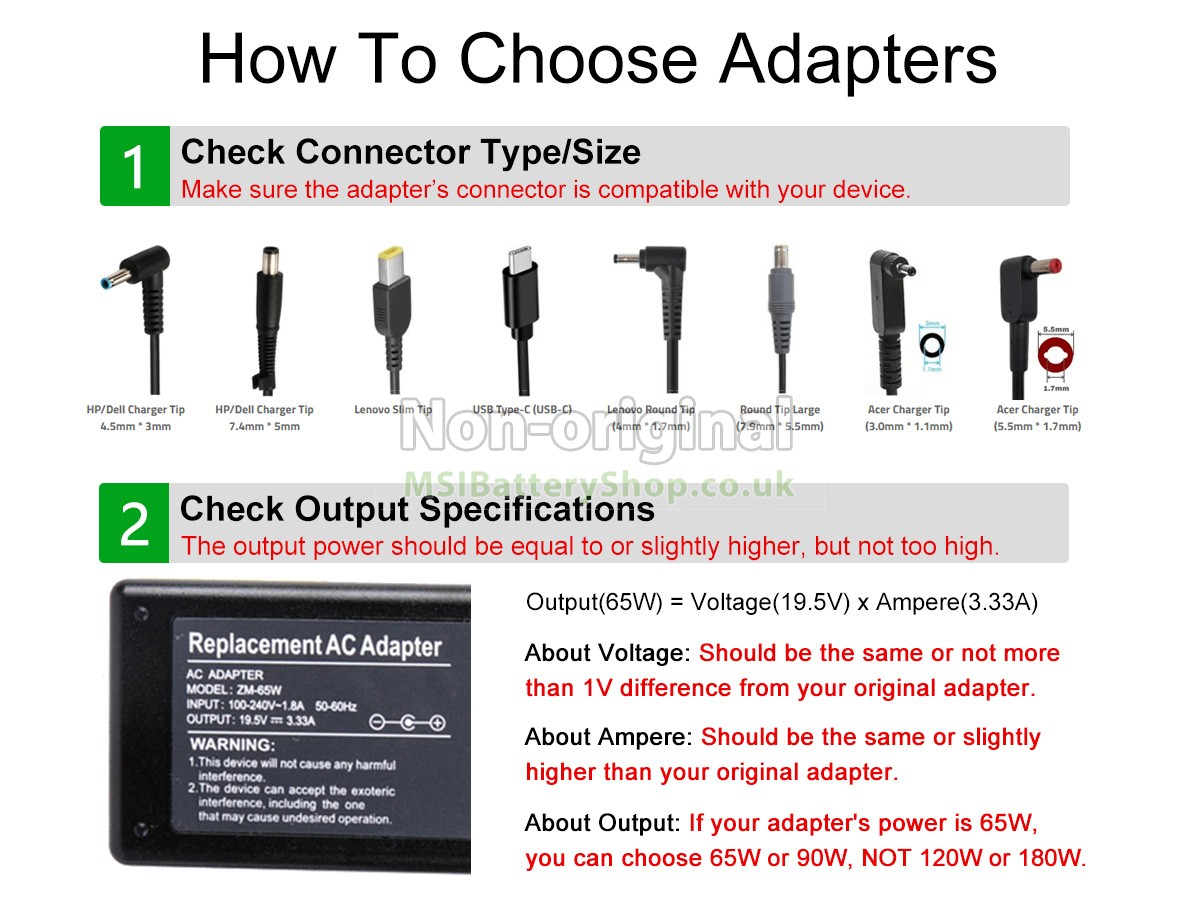
A:You need to focus on two key factors: output specifications and connector type.
① Output specifications:The output voltage must match your original adapter, or the difference should not exceed 1V. And the output current should be equal to or slightly higher than that of your original adapter.
② Connector type:Make sure the adapter's connector fits your laptop's charging port perfectly.
If you are unsure about the connector size or your laptop's exact specifications, you can contact us with your laptop model number for further confirmation.
A:Yes, this is completely normal. When a power adapter is in operation, a small portion of electrical energy is converted into heat, which causes the adapter to warm up. This warming effect becomes more obvious when you're charging your laptop while the device is in use—since the adapter is under a higher load at that time.
To help reduce excessive heating, we recommend using the adapter in a cool, dry, well-ventilated area (avoid placing it on soft surfaces like beds or sofas that block airflow).